1
登录供应商账户
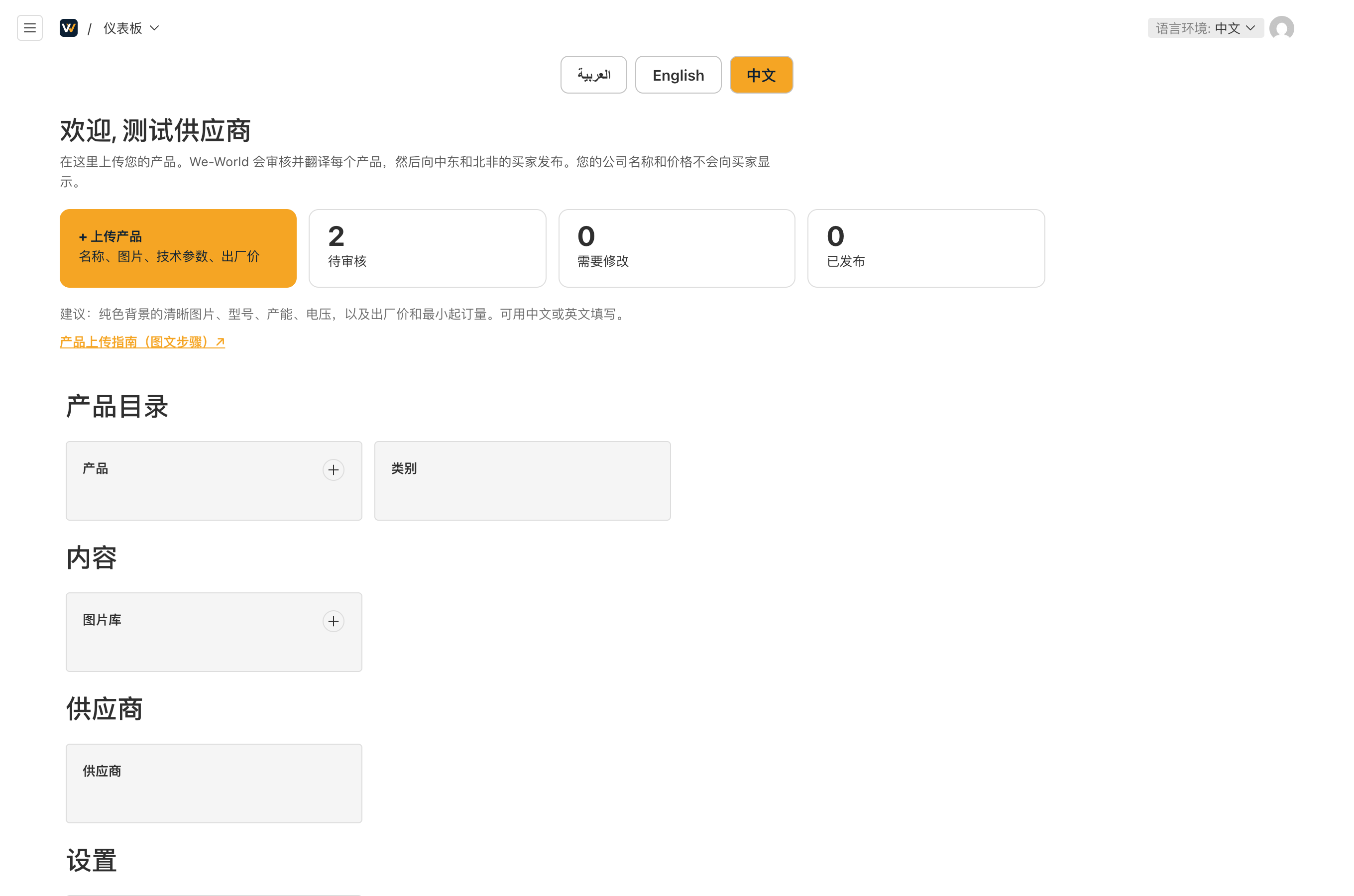
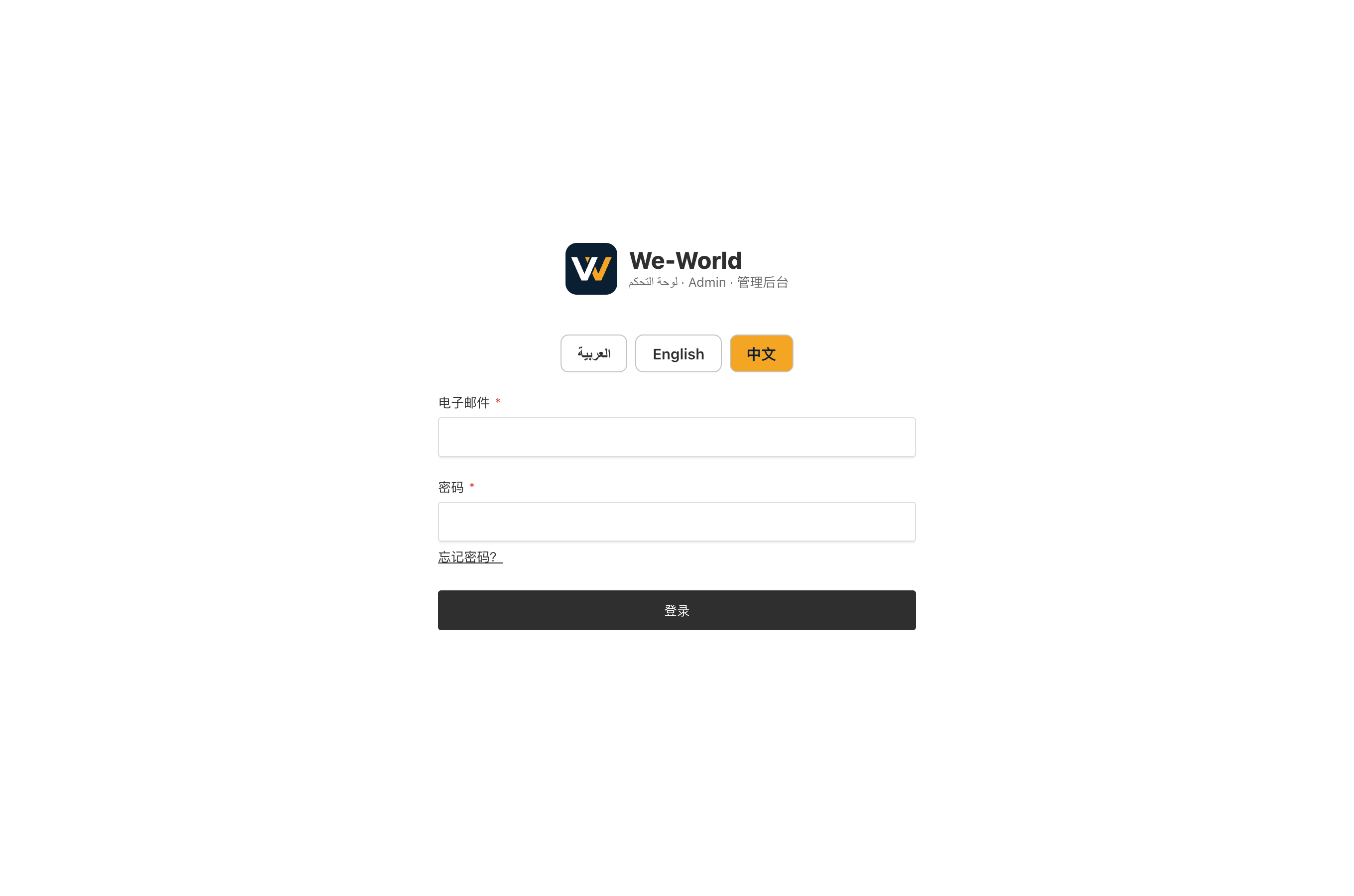
- 打开 weworld.digital/admin。如果页面不是中文,点击顶部的“中文”。
- 输入 We-World 为您开通的邮箱和密码,点击“登录”。
- 忘记密码:点击“忘记密码?”,重置链接会发到您的邮箱。
Log in to your supplier account
- Open weworld.digital/admin and tap 中文 / English at the top to choose the language.
- Enter the email and password We-World created for you.
- Forgot your password: use "Forgot password?" and the reset link goes to your email.